

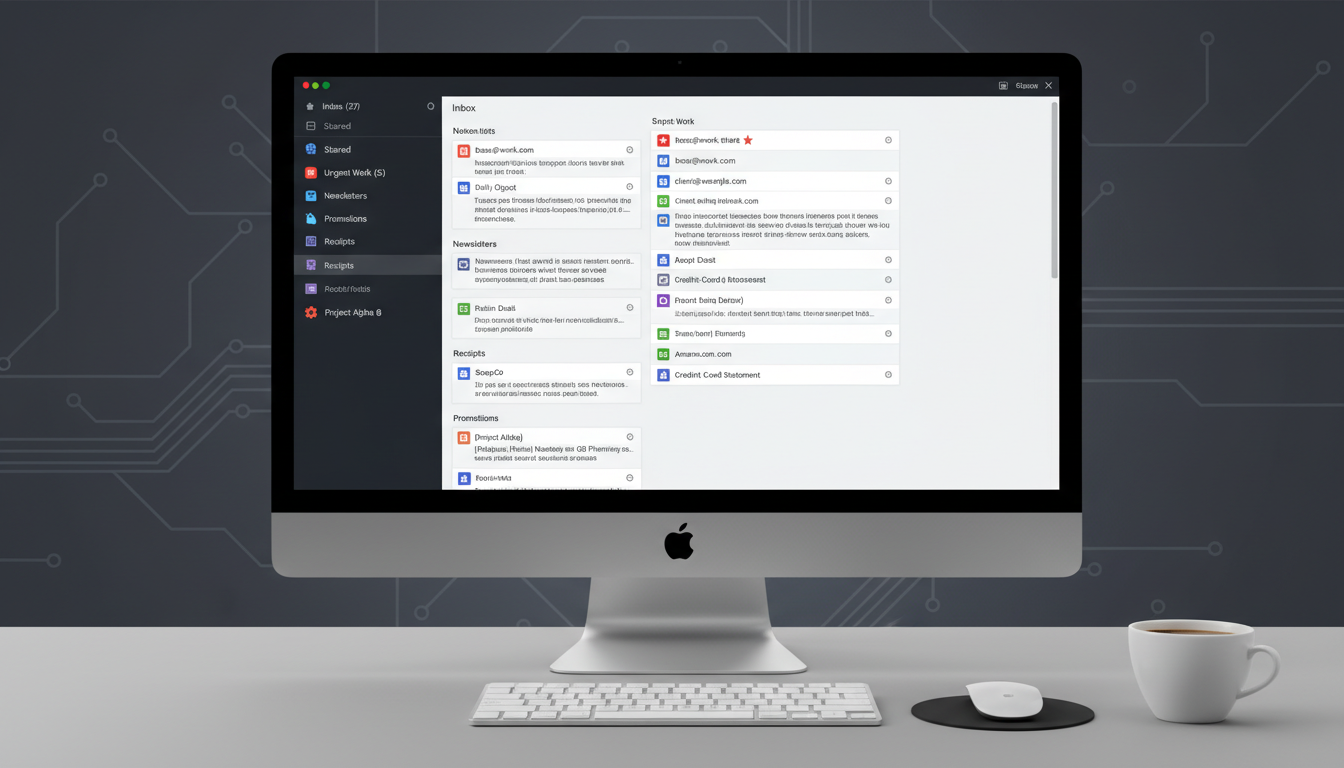
Ever feel like your inbox is a jungle you’re not quite sure how to navigate? You open your email and suddenly… too many messages, too little time. Let’s be honest—that chaos isn’t just annoying, it’s draining. But here’s the twist: email filters are like secret pathways that turn that chaos into clarity, if you know how to use them. Organizing email with filters is one of those underrated productivity hacks that should be part of everyone’s workflow toolkit. Hang on, and we’ll demystify it—imperfectly and conversationally.
Why Email Filters Matter More Than You Think
Taming the Overload
• A recent industry snapshot shows that the average user gets between 82 and 120 emails daily, especially in office settings .
• U.S. professionals identify email as their go-to for work communication, sending and receiving dozens of messages each day. Despite spam being filtered out, people still feel overwhelmed—67% admit they miss important emails, and 67% say the inbox overload impacts their focus .
That mental weight isn’t trivial—spending hours sorting through clutter steals precious time and attention.
Real Cost of Inaction
• Without filters, an employee may spend over 3.5 hours a month—or roughly 42 hours a year—dealing with spam .
• Extrapolate that across a team of 10, 20, or even 100 people, and you’re bleeding productivity by the week.
Filters ease that burden—automatically sorting or removing redundant, noisy emails and giving you space to breathe.
Security and Privacy: Filters as Bodyguards
It’s not just about peace of mind—email filters provide a tangible layer of defense.
- Organizations that deploy advanced spam filtering often see up to a 70% reduction in security incidents like phishing or malware attacks .
- Email categorization also keeps sensitive phishing messages and BEC threats at bay, reducing financial and reputational damage .
Filters aren’t just convenience tools—they’re frontline defenders against modern digital threats.
How to Set Up Email Filters That Actually Work
Simple Steps to Get Started
Start small—don’t try to build a filter empire overnight. Instead:
- Identify your clutter (newsletters, receipts, team digests, etc.).
- Create basic rules, like “If subject includes ‘unsubscribe’, send to Newsletters folder”.
- Revisit and refine your filters monthly so they evolve with your inbox behavior.
These filters usually take just a few minutes to set up, but the impact is massive.
Real-Life Setup Wins
One user on Reddit described setting up just three smart filters and waking up to only three real emails needing attention—with the rest neatly sorted into folders like Purchases and Newsletters . That morning was a game-changer and, I gotta say, kinda inspiring.
Risks & Pitfalls of Overfiltering
Filters are powerful—too powerful. Watch out for:
- Over-filtering: When everything gets sorted away, including messages you actually need.
- Under-filtering: When only a couple of filters exist and you still spend balance-of-day rummaging.
- Forgotten folders: If your filters send messages to obscure folders you never check, you might miss something important.
- Vague filters: Using broad rules like “subject includes update” may catch way too much.
- Stale filters: Life changes—so should your filters.
In short, filters need occasional upkeep to stay helpful.
Filters and the Future: Smart Inbox Hangouts
We’re beyond primitive rules now—AI and smarter inbox tools are changing things up.
- Gmail, SaneBox, and other platforms suggest filters using AI, based on your patterns.
- Tomorrow, voice commands and predictive prioritization could let you triage emails hands-free—imagine saying “show boss emails first” and boom, it’s done .
- Email management will integrate with broader workflows—turn emails into tasks, calendar events, or notes effortlessly. Your inbox becomes less of a logjam and more of a Launchpad.
“Filters are like silent assistants sorting your mail all day—if set right, they give you time back, focus, and a sense of control.”
That sums it up neatly, doesn’t it?
Bringing It All Together
The inbox doesn’t need to feel like a carnivore’s first bite of the day. Email filters—simple, strategic, powerful—are one of the easiest productivity tools we overlook.
Start with what clogs your day, automate it. Make checking filtered folders a habit. Stay flexible and adapt filters as your job or workflow evolves. The result? You regain time, calm, and focus.
Conclusion
In-box chaos doesn’t have to be your norm. By identifying pain points, setting up smart filters, and maintaining them over time, your email becomes manageable rather than overwhelming. Filters contribute to productivity, security, and mental clarity. It’s less about perfection and more about having an inbox that serves you—not the other way around. You’ll wonder why you didn’t start sooner.
FAQs
How many emails does the average person receive daily?
Most office users see anywhere from 82 to 120 emails per day, with variations based on role and industry .
Can email filters improve workplace security?
Yes. Advanced filtering setups can reduce phishing and malware incidents by up to 70%, acting as a vital security layer .
What’s the time-saving benefit of filters?
Without filters, employees may lose over 3.5 hours monthly to spam and manual sorting. Filters reclaim that time by automating triage .
Why do so many users avoid filters?
Common blockers include lack of awareness, perceived complexity, resistance to change, or procrastinating filter setup—yet most filters take minutes to create .
How often should filters be updated?
Review them monthly or quarterly. As your inbox evolves with new senders or priorities, so should your filters.
What’s the future of email filtering?
AI brings predictive sorting, voice commands, and deeper workflow integration—soon, your inbox will adapt dynamically based on your habits and priorities.










Leave a comment