

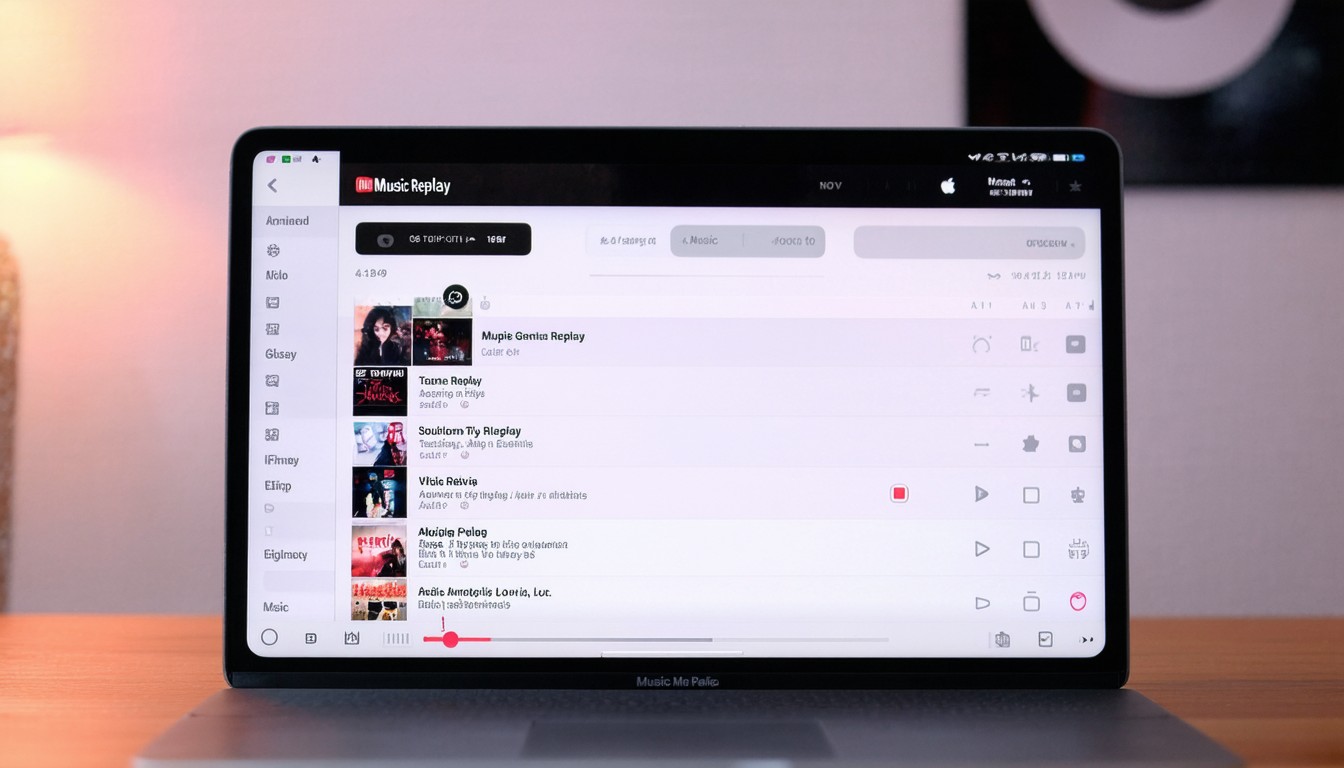
With the explosion of on-demand streaming, digital listening habits have become central to how music fans connect with songs, albums, and artists. Apple Music Replay stands out as a highly anticipated annual feature, redefining how listeners experience music data through compelling personal insights. As more people seek to understand their musical journey, Apple Music Replay provides a delightful recap—mirroring the popularity of offerings like Spotify Wrapped but with its own distinctive approach.
What Is Apple Music Replay?
Apple Music Replay is Apple’s answer to the growing appetite for personalized data and year-in-review music features. Each year, subscribers receive a dynamic summary of their top tracks, artists, and albums—accompanied by automatically generated playlists and visual breakdowns of their listening trends.
Key Components of Replay
- Top Songs, Artists, and Albums: Users see rankings based on actual play counts.
- Replay Playlists: Apple compiles your most-played songs into a neat annual playlist, continuously updated throughout the year.
- Listening Stats: Insights like your most-streamed genres and total hours listened offer a holistic view of your music habits.
This feature sets Apple Music apart by creating an ongoing feedback loop. Unlike static year-end recaps, Replay refreshes in real time, encouraging engagement and offering a more up-to-date snapshot of each listener’s evolving tastes.
How Replay Reflects Today’s Digital Listening Culture
The popularity of annual music recaps reflects broader shifts in consumer tech and media. Listeners gravitate toward features that turn usage data into shareable, insightful snapshots.
The Rise of Data-Driven Music Experiences
Services like Spotify Wrapped, YouTube Music Recap, and Apple Music Replay have made personal data analytics a core part of the streaming experience. According to recent industry estimates, these social “recap” features generate viral buzz each year—often topping trending charts on Twitter and Instagram as millions post their stats.
“People want more than just access to music; they want context, personalization, and a sense of narrative around their listening choices.”
— Mia Lavigne, Digital Music Analyst
With these features, streaming brands deepen loyalty by blending entertainment with interactive, self-reflective storytelling.
What Makes Replay Unique in the Market
Replay’s primary differentiator is its live-updating feature. While most services offer a once-a-year retrospective, Apple’s tool refreshes metrics weekly. This ongoing availability resonates with users who appreciate frequent feedback and have come to expect dynamic engagement from digital services.
Apple’s privacy-centric approach also appeals to many subscribers. All Replay data is tied to your Apple ID, encrypted, and not shared publicly by default. This contrasts with more outwardly social features from competitors.
How to Access and Use Apple Music Replay
For many Apple Music subscribers, accessing Replay is straightforward—yet some still miss its full potential. Here’s a breakdown of how to unlock and maximize the feature:
Steps to Find Your Replay Insights
- Go to the Apple Music Replay Website: Visit replay.music.apple.com and log in with your Apple ID.
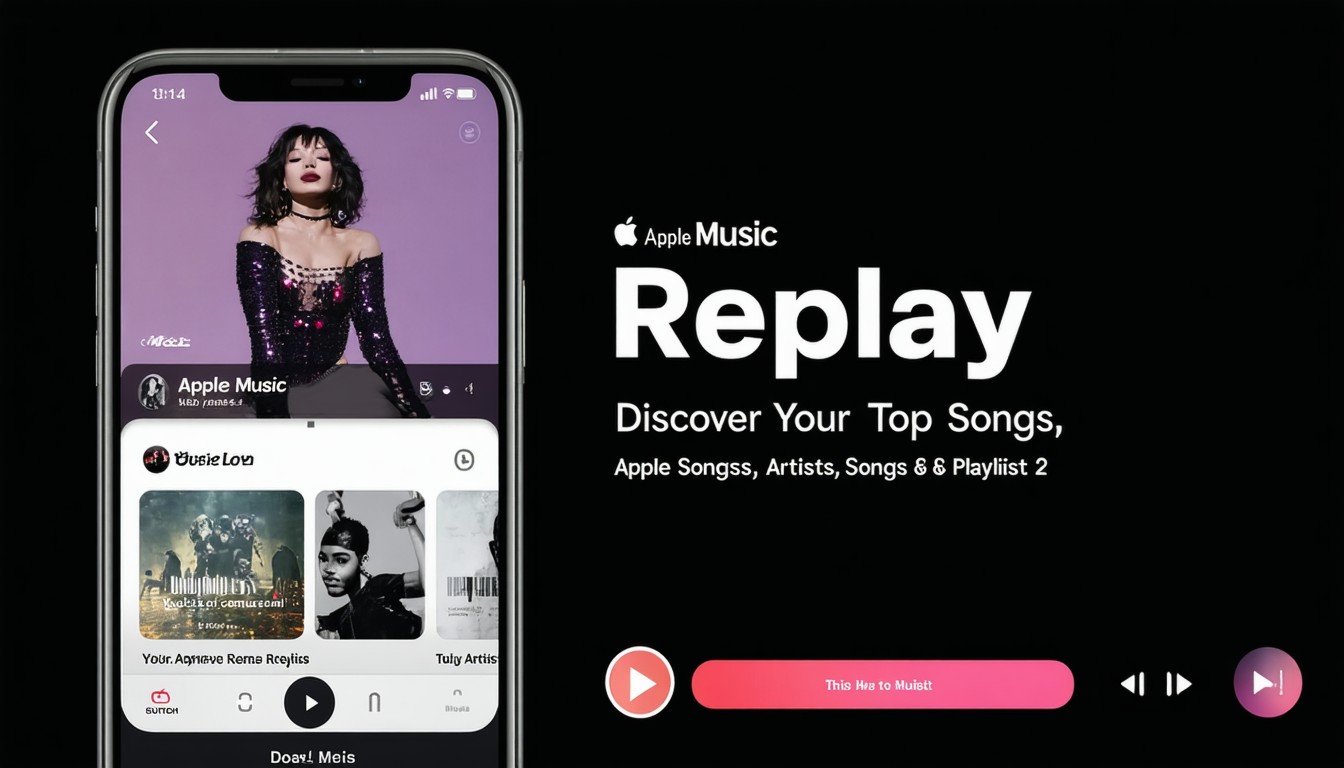
- Browse Your Highlight Reel: Replay presents your top songs, artists, and total hours at a glance via animated visuals and shareable graphics.
- Listen to Your Replay Playlist: Your annual “Replay” playlist updates dynamically in the Apple Music app (under the “Listen Now” or “Made For You” sections).
- Share Your Stats: Unlike some rivals, Apple’s approach to sharing is opt-in, letting users download and post recap cards across social platforms.
Pro Tips for Music Enthusiasts
- Replay is best utilized if you’re an active Apple Music subscriber year-round; the more you listen, the richer your recap will be.
- New users typically need to listen to a threshold number of songs before Replay generates a summary, so starting early in the year maximizes insights.
- Replay playlists from previous years remain accessible, creating a music “time capsule” effect for tracking evolving tastes.
Comparing Apple Music Replay with Spotify Wrapped
Both Apple Music Replay and Spotify Wrapped tap into the same desire for personalized year-end reviews. Yet, there are noteworthy differences in feature design and audience appeal.
Design and Interactivity
- Spotify Wrapped: Emphasizes a one-time, highly shareable, story-driven experience optimized for social platforms, complete with vibrant visuals.
- Apple Music Replay: Favors longevity and utility, with playlists and stats available year-round and a more understated visual presentation.
Community and Virality
Wrapped’s one-off annual drop often dominates social media for days, driving viral memes and discussion. Replay, meanwhile, offers quieter but consistent engagement. As Apple’s platform grows, more users are integrating Replay stats into their digital identity—albeit with a less overtly social touch.
User Feedback and Trends
Brands constantly iterate on these recaps based on consumer preference. Some users prefer the “surprise” effect of an annual Wrapped, while others appreciate Replay’s living document style. The bottom line: Both approaches build retention and deepen platform loyalty through data-driven storytelling.
The Broader Impact of Replay Features on Music Consumption
Annual music recaps do more than entertain; they influence listening habits and, in some cases, even drive artist discovery.
Driving Discovery and Re-Engagement
Data indicates that replay features lead many listeners to revisit tracks and rediscover albums they may have forgotten. This boosts engagement for both mainstream hits and lesser-known artists who make a fan’s “top songs” list.
Record labels and artists increasingly leverage these insights, tailoring year-end campaigns or direct-to-fan messages around user data. For instance, independent singers sometimes thank top listeners via personalized messages based on Replay or Wrapped rankings.
Shaping Platform Differentiation
Music services now compete as much on “experience” as on catalog size. Replay strengthens Apple’s pitch to existing and potential subscribers, particularly those who value privacy, data transparency, and a seamless integration across the Apple ecosystem.
Conclusion: Replay’s Role in the Future of Streaming
Apple Music Replay exemplifies the shift toward personalized, interactive digital experiences. By visualizing your musical journey, Replay turns passive listening into an active, rewarding ritual—closing the feedback loop between users and the streaming service. Whether you’re a casual listener or a playlist curator, Replay helps you see your musical passions in a new light.
Looking ahead, expect features like Replay to become ever-more central as music platforms compete on personal connection and user data transparency. For those eager to understand the soundtrack of their lives, Replay offers an annual tradition that’s both meaningful and fun.
FAQs
How often does Apple Music Replay update?
Apple Music Replay’s stats and playlists refresh automatically throughout the year, not just at year’s end, providing a near real-time look at your top songs and artists.
Do I need to be an Apple Music subscriber to use Replay?
Yes, Replay is available exclusively to Apple Music subscribers, and requires active listening history to generate detailed stats.
Can I share my Apple Music Replay summary on social media?
Replay allows users to download and share highlight cards or playlists, but unlike Spotify Wrapped, sharing is entirely optional and privacy-first.
Will I see data from previous years in Replay?
Replay maintains separate playlists and summaries for each year. Subscribers can revisit their past Replay playlists and track how their taste has evolved.
Does Replay include songs played offline?
Songs listened to offline will count toward Replay as long as you’re signed in to your Apple Music account, and the listening data syncs when you reconnect to the internet.
Why can’t I see my Replay yet?
New users may need to stream a certain amount of music before Replay data appears. If your account is new or relatively inactive, keep listening—your personalized stats will unlock after you meet the threshold.












Leave a comment